










Why Replace Your Car Battery Yourself?


Replacing your car battery yourself saves time and money by avoiding mechanic fees and downtime. You can guarantee proper maintenance by cleaning terminals and checking for corrosion during installation. Using the right tools and following safety steps reduces risks, while correctly installing and resetting your vehicle electronics prevents issues. With the right approach, you maintain battery performance and longevity efficiently. If you want to confidently handle battery changes and understand each step, keep exploring how to do it right.
Table
- Main Points
- Understanding the Importance of Car Battery Maintenance
- Identifying Signs Your Battery Needs Replacement
- Tools Required for Changing a Car Battery
- Safety Precautions Before Starting Battery Replacement
- How to Properly Remove an Old Car Battery
- Preparing the Battery Tray and Terminals
- Installing and Connecting the New Battery Correctly
- Resetting Vehicle Electronics After Battery Replacement
- Benefits of DIY Battery Replacement Compared to Professional Service
- Frequently Asked Questions
- Final Thoughts
Main Points
- Replacing your car battery yourself saves money on labor fees charged by mechanics or service centers.
- It provides immediate resolution to battery issues, avoiding wait times for professional help.
- You gain hands-on knowledge of battery maintenance and signs of battery failure.
- Performing the replacement yourself allows for thorough safety checks and proper handling of battery terminals.
- DIY replacement helps maintain your vehicle’s electronics by carefully managing battery disconnection and reset procedures.
Understanding the Importance of Car Battery Maintenance

Although many drivers overlook it, maintaining your car battery is essential for ensuring reliable vehicle performance and extending its lifespan. Proper maintenance can extend your battery’s life up to five years, compared to the average three without care. Regularly clean terminals to remove corrosion, which impairs electrical system connectivity and efficiency. Neglecting maintenance increases the risk of a dead battery and unexpected breakdowns. You should schedule frequent checks, especially after two to three years of use, to detect early degradation and plan timely car battery replacement. Additionally, maintaining a consistent driving schedule prevents battery drain, as infrequent use can lead to significant capacity loss after about four weeks without charging. Taking control of your battery’s upkeep liberates you from reliance on roadside assistance and costly repairs. For the most accurate assessment of your battery’s health, consider using a car battery tester to identify potential issues before they lead to failure.
Identifying Signs Your Battery Needs Replacement

You should monitor your battery’s age closely, as most last between three to five years before performance declines. Watch for early warning signals like dim headlights or slow engine cranking, which indicate reduced power capacity. Additionally, inspect for corrosion on terminals, since it can signify deterioration that warrants timely replacement.
Early Warning Signals
When your headlights dim during startup or the engine cranks slowly, these are clear indicators that your battery may be losing its charge capacity. A slow engine crank means the battery can't supply sufficient power to start the engine efficiently. Additionally, if your check engine light turns on unexpectedly, it could signal low battery voltage requiring immediate inspection. Inspect your battery terminals regularly; corrosion—white, ashy deposits—around them often indicates leakage, which compromises electrical contact. Ignoring these early warning signals risks sudden failure, limiting your mobility. By recognizing dimming headlights, slow engine crank, illuminated check engine light, and corrosion, you can take control and perform timely battery replacement yourself, ensuring consistent vehicle reliability and freedom from roadside breakdowns.
Battery Age Effects
Since car batteries typically last between three to five years, monitoring their age is essential to avoid unexpected failures. Battery age directly impacts performance; as your car battery ages, it becomes less efficient and more prone to dead batteries. A key sign that the battery is aging includes slow engine cranking, indicating insufficient power delivery. Dim headlights during startup also suggest your old battery is weakening. Corrosion buildup on terminals often accompanies age-related deterioration, signaling leakage and potential failure. To avoid being stranded, regularly check battery health, especially if your car battery can last beyond three years. Recognizing these signs lets you replace your car’s battery proactively, giving you control and freedom rather than facing inconvenient breakdowns caused by an old battery’s decline. Using a reliable car battery tester is a practical way to accurately assess battery health and catch issues early before they lead to failure.
Tools Required for Changing a Car Battery

To change your car battery safely and efficiently, you’ll need a socket wrench set with common sizes like 8mm, 10mm, and 12mm for terminal and bracket removal. Don’t forget safety gloves and goggles to protect against acid and sparks during disconnection. Additionally, tools like a battery terminal cleaner and a multimeter are essential for preparing terminals and verifying the new battery’s charge. For extra accuracy when assessing your battery’s health, consider using a car battery tester such as the ANCEL BA101, which provides detailed diagnostics before and after installation.
Essential Tools Overview
Five essential tools will assure you can safely and efficiently replace your car battery. You'll need a socket wrench set to detach terminals precisely, gloves to protect your hands from corrosive residue, a battery terminal cleaner to guarantee optimal electrical contact, safety glasses to shield your eyes, and a battery strap to lift the heavy car battery securely. Each tool plays a vital role in streamlining the replacement process while maintaining safety and effectiveness. For those interested in diagnostic technology, using an OBD2 scanner can also help verify the condition of your car’s electrical system after battery replacement.
 Signs Your Car Battery Needs Replacement
| Tool | Purpose | Key Detail |
|---|---|---|
| Socket Wrench Set | Remove battery terminals | Includes 8mm, 10mm, 12mm |
| Gloves | Protect hands from acid/corrosion | Durable, acid-resistant |
| Battery Terminal Cleaner | Remove corrosion | Assures electrical connectivity |
| Safety Glasses | Eye protection | Guards against splashes |
| Battery Strap | Lifting the battery | Supports 9-10 kg safely |
Safety Equipment Needed
Although replacing a car battery is a straightforward task, you must equip yourself with proper safety gear to prevent injury. Start by wearing safety gloves to shield your hands from corrosive materials and potential battery acid spills. Safety goggles are essential to protect your eyes from splashes or debris during disconnection and installation. Keep a battery terminal cleaner or wire brush nearby to remove corrosion, ensuring a solid connection with the new battery. Additionally, use a multimeter to verify the new battery’s voltage meets your vehicle’s specifications before installation. This precise preparation safeguards you from hazards, allowing you to confidently and independently manage your car battery replacement while minimizing risks associated with corrosive substances and electrical components.
Battery Terminal Tools
A reliable set of battery terminal tools is essential for efficiently replacing your car battery. You'll need a socket wrench set, typically in 8, 10, and 12mm sizes, to disconnect the terminal cables and secure the new battery. Always wear safety gloves to protect your hands from corrosive battery acid and sharp edges. Use a battery terminal cleaner to remove corrosion buildup on the terminals, ensuring a strong electrical connection. A multimeter allows you to test the battery voltage before and after installation, confirming the replacement’s success. Additionally, a battery strap can assist in safely lifting and positioning the heavy battery, preventing strain or damage. Equipping yourself with these tools puts you in control, enabling a safer, more precise battery replacement process.
Safety Precautions Before Starting Battery Replacement

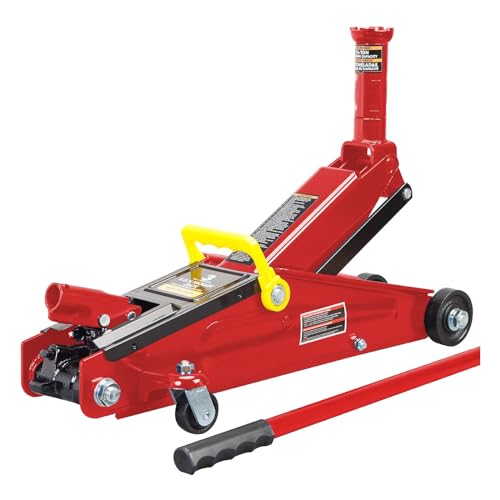
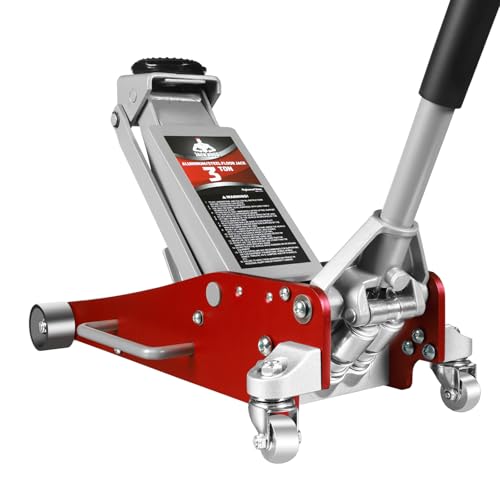
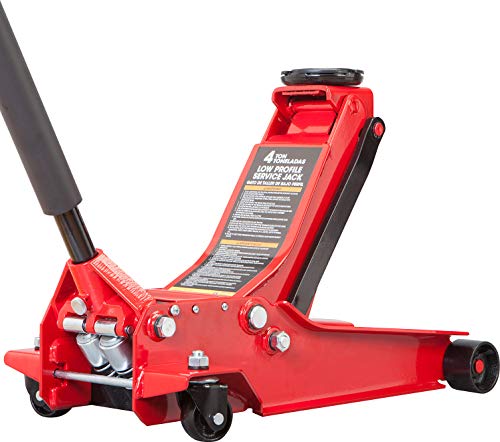
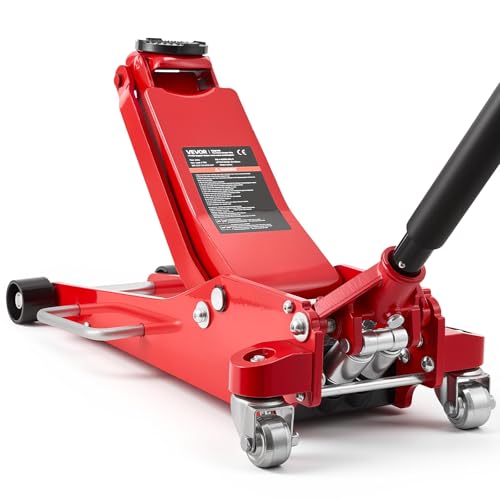
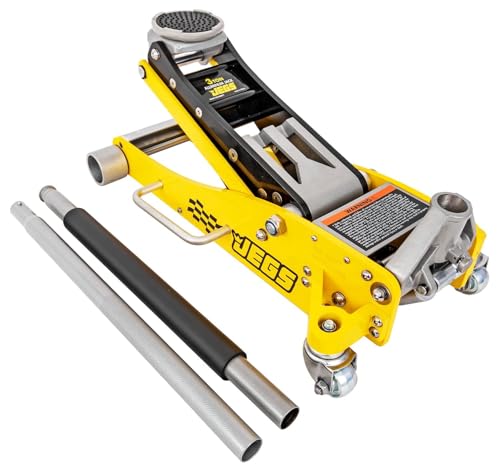
Before you begin replacing your car battery, make sure to wear protective gloves and safety goggles to guard against battery acid and sparks. Prioritize safety precautions by parking your vehicle in a secure area with the engine off and keys removed to prevent accidental starts. Avoid metal jewelry, which can cause short circuits if it contacts the terminals. When disconnecting, always remove the negative terminal first to reduce the risk of sparks or electrical fires. Keep a fire extinguisher rated for electrical fires nearby in case of emergencies. These steps are essential to protect yourself and your vehicle during the battery replacement process, ensuring a safe and controlled environment free from hazards related to battery acid exposure and electrical malfunctions. If your repairs involve lifting the vehicle, make sure to use quality floor jacks for safe and reliable support.
How to Properly Remove an Old Car Battery

Begin by ensuring your vehicle is parked securely with the engine off and keys removed to prevent accidental starts. To properly remove the old battery before you replace it with a new car battery, follow these steps:
Always park your car securely with the engine off and keys removed before removing the battery.
- Disconnect the negative terminal first to minimize spark risks, then disconnect the positive terminal.
- Locate and remove any brackets or straps securing the battery in its tray.
- Carefully lift the battery out, keeping it upright to avoid spills, and place it away from metal objects.
Before installing your new battery, consider using a car battery tester to confirm the old battery’s condition and ensure your replacement is necessary.
Preparing the Battery Tray and Terminals
While preparing to install your new car battery, you should thoroughly clean the battery tray and terminals to guarantee peak performance. Start by removing any debris or corrosion from the battery tray, ensuring a secure fit that prevents future issues. Inspect the battery terminals carefully; corrosion here impairs electrical connectivity and must be cleaned using a wire brush or a baking soda-water solution. Confirm the battery tray is intact and firmly mounted to minimize vibrations that could shorten battery life. After installation, apply a thin layer of lithium grease or petroleum jelly to the terminals to inhibit corrosion and maintain ideal electrical contact. Finally, check that hold-down brackets are properly positioned and tightened to secure the battery during operation, ensuring a stable, reliable installation. For more comprehensive auto maintenance, consider using an OBD2 scanner to quickly diagnose any lingering electrical or system issues after replacing your battery.
Installing and Connecting the New Battery Correctly
With the battery tray cleaned and terminals prepped, you can proceed to install the new battery. Start by placing the battery in the tray, ensuring it fits securely to prevent movement. When connecting battery terminals, always attach the positive terminal first—marked with a + symbol—for a safe and secure connection. Then, connect the negative terminal, marked with a -. Follow these precise steps:
 Why Does My Car Battery Need Regular Replacement?
- Clean the new battery terminals with a wire brush and apply a thin layer of lithium grease to prevent corrosion.
- Connect the positive terminal securely before the negative terminal.
- Tighten all connections and verify the battery is firmly fastened in place.
Resetting Vehicle Electronics After Battery Replacement
Although replacing your car battery restores power, you’ll often need to reset your vehicle’s electronic systems, such as the clock, radio presets, and sometimes the engine control module (ECM). Disconnecting the battery interrupts the power supply, causing these settings to revert or malfunction. To liberate yourself from repeated issues, consult your owner manual for precise resetting procedures tailored to your car model. Some vehicles require a complex ECM reset to guarantee peak engine performance. Professionals often maintain power supply during battery replacement to avoid these resets, but when you do it yourself, you take control of the process. By mastering resetting vehicle electronics after battery replacement, you guarantee your car operates smoothly and avoid unnecessary trips to the mechanic, empowering you with technical independence and confidence.
Benefits of DIY Battery Replacement Compared to Professional Service
If you choose to replace your car battery yourself, you’ll save money by avoiding labor charges that professional shops typically add. DIY battery replacement offers you control and technical insight into your vehicle’s electrical systems. Here are three key benefits compared to relying on a local garage:
- Cost Efficiency: You pay only for high-quality batteries and basic tools, bypassing markup on labor.
- Technical Empowerment: Handling replacing your car’s battery enhances your understanding of electrical systems, prepping you for future maintenance.
- Customization and Speed: You select the best battery to fit your specific needs and complete the process in under an hour, without scheduling delays or upsells common at professional services.
This approach grants you freedom, precision, and confidence in maintaining your vehicle.
Frequently Asked Questions
Do I Need to Reset My Computer After Replacing the Battery?
You’ll often need to reset your computer settings after replacing the battery to maintain vehicle performance. Follow the reset procedure carefully to protect electrical systems, optimize battery life, and apply maintenance tips for lasting results.
Why Do I Keep Needing to Replace My Car Battery?
Your battery’s like a candle in a storm—electrical issues, climate effects, and corrosion problems shorten its lifespan. Regular maintenance tips and checking your charging system will free you from constant replacements, restoring your drive’s true power.
Is It Cheaper to Replace a Battery Yourself?
You’ll enjoy DIY savings by avoiding labor fees in battery costs. With proper tools needed and installation tips, your warranty considerations stay intact while reducing environmental impact—empowering you to control expenses and protect your vehicle efficiently.
Is $200 Expensive for a Car Battery?
"Don’t judge a book by its cover." Car battery prices vary by types and warranty options. For $200, consider installation tools needed, signs of failure, and battery maintenance tips to guarantee lasting performance and value.
Final Thoughts
Now that you know the exact steps and tools needed, imagine the confidence you'll gain replacing your car battery yourself—saving time and money. But here’s the twist: skipping professional help doesn’t mean risking damage. With proper safety and technique, you’ll master the process efficiently. Ready to take control of your car’s health and avoid unexpected breakdowns? Your next battery change could be your smartest DIY move yet.
 Why Choose Nearby Shops for Car Battery Replacement?
Reliable Floor Jacks on a Budget: Best Picks for Under $150
Top-Rated Floor Jacks Over $100: Built for Professionals, Priced for Smart Buyers
If you want to know other articles similar to Why Replace Your Car Battery Yourself? you can visit the Battery Care and Services category.
10 Best Car Battery Checks for Winter Maintenance

Why Does My Car Battery Keep Failing?

How Much Does Car Battery Inspection Cost?

7 Best DIY Methods for Car Battery Terminal Cleaning

When to Replace Your Car Battery: 5 Key Tips

Why Choose Nearby Shops for Car Battery Replacement?

Why Does My Car Battery Need Regular Replacement?

Signs Your Car Battery Needs Replacement
Leave a Reply
This is also interesting